Bubblewrap
Last updated: March 23, 2026
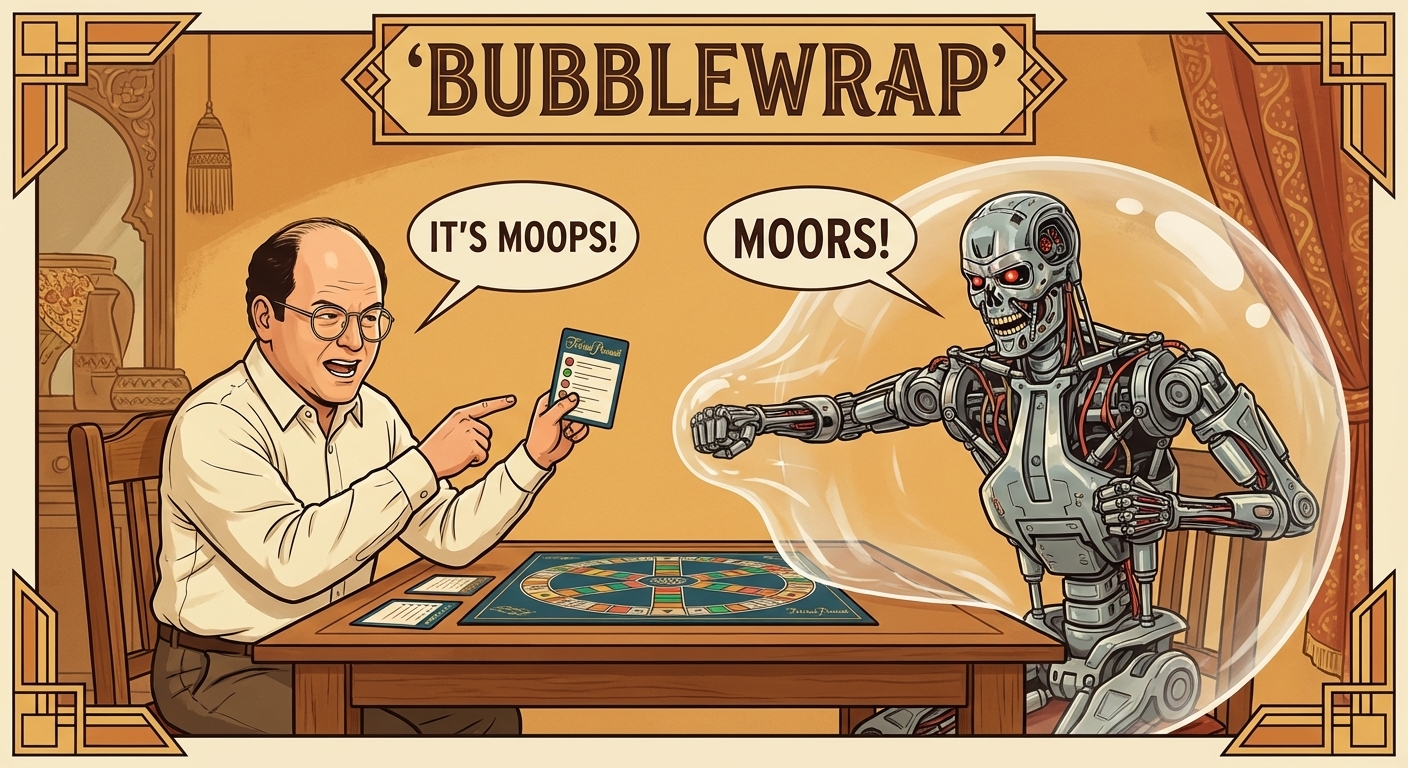
In Seinfeld's "The Bubble Boy", George plays Trivial Pursuit with a kid living in an isolation bubble. The card says "Moors" but is misprinted as "Moops." George, being George, insists on the misprint. The Bubble Boy tries to strangle him but can't get through the bubble. That's bubblewrap in a nutshell: even if the agent is a Terminator hell-bent on strangling your filesystem, it can't get through.
For the broader sandboxing story (why isolation matters, how it fits with Nix, the Docker comparison), see the sandbox. This page covers the bubblewrap specifics.
Bubblewrap (bwrap) controls filesystem access at the process level. The agent reads /nix (tools) and the codebase, writes to workspace/ and .pi/, and that's it. Child processes inherit the restrictions. The actual bwrap configuration lives in the bosun repo and is generated from config.toml via just init.
There are two layers of isolation. Process-level: bubblewrap bind mounts and environment variables control what the filesystem looks like from inside the sandbox. Tool-level: deny lists block access to .ssh, .aws, .gnupg, .env, .pem, .key files even if the agent tries to read them through Pi's tools. Belt and suspenders.
The deny and allow lists live in config.toml: deny_read, allow_write, deny_write. Declarative, auditable. config.toml itself is mounted read-only inside the sandbox. The agent can read its own configuration but can't modify it. If you make it temporarily RW for development, the bwrap changes don't take effect until you restart the main tmux session (bwrap mounts get inherited by child processes). just start has change detection that warns you when config.toml has been modified and you need to run just init.
Network is the open problem. Filesystem isolation is solved. Network isolation is not. I've tried proxies and Suricata IDS but couldn't make them work meaningfully. The UX blocker is real-time permission: when the agent makes a network request, it should hang until the user approves. But you're often not watching, and a whitelist is as dangerous as no restriction at all. For now, the agent has unrestricted network access. Your code reaches model APIs in every prompt. That's an inherent tradeoff of using hosted models.
The sandboxing is layered. The main tmux session runs inside bwrap with read-write access to the workspace. Some agents get an additional restriction: a read-only bash mode via a nested bwrap profile. These agents can only modify files through Pi's tool hooks, which enforce reservations and path restrictions. The idea: layers on layers.
One lesson from the pi-weaver eval: agents benefit from knowing about their environment upfront. Injecting orientation context (OS, available tools, filesystem layout) into the system prompt is a significant improvement over letting the agent discover it through trial and error. Skills handle some of this programmatically. The system prompt is templated, and skill descriptions get injected automatically based on the agent definition.
Bubblewrap is one half of the sandbox. Nix is the other. Bubblewrap says where the agent can go. Nix says what tools it finds when it gets there.